Bring Swaram AI to your school
For headmasters, principals and management: how to decide, set up and start, step by step.

Works with your curriculum
Swaram AI builds its reading material from the textbooks your school already uses. Choose your board and medium, select your books, and every passage and word list comes from them. Our reviewers check all content before any child sees it.
- State boards
- CBSE
- ICSE
- Other boards
Private and government schools, any medium.
Getting started
Step 1: Book a demo
See a lesson built from your own textbook, and get answers on devices and data.
Step 2: Set up your curriculum
Choose your board and medium, then select the textbooks for each grade.
Step 3: Enrol your students
Fill in our spreadsheet template and upload it. Any errors are shown row by row.
Step 4: Prepare your devices
Install the app, register each device and plan which class uses it when.
Step 5: Train your teachers
A short guided session, a handbook, and videos to come back to.
Choosing devices
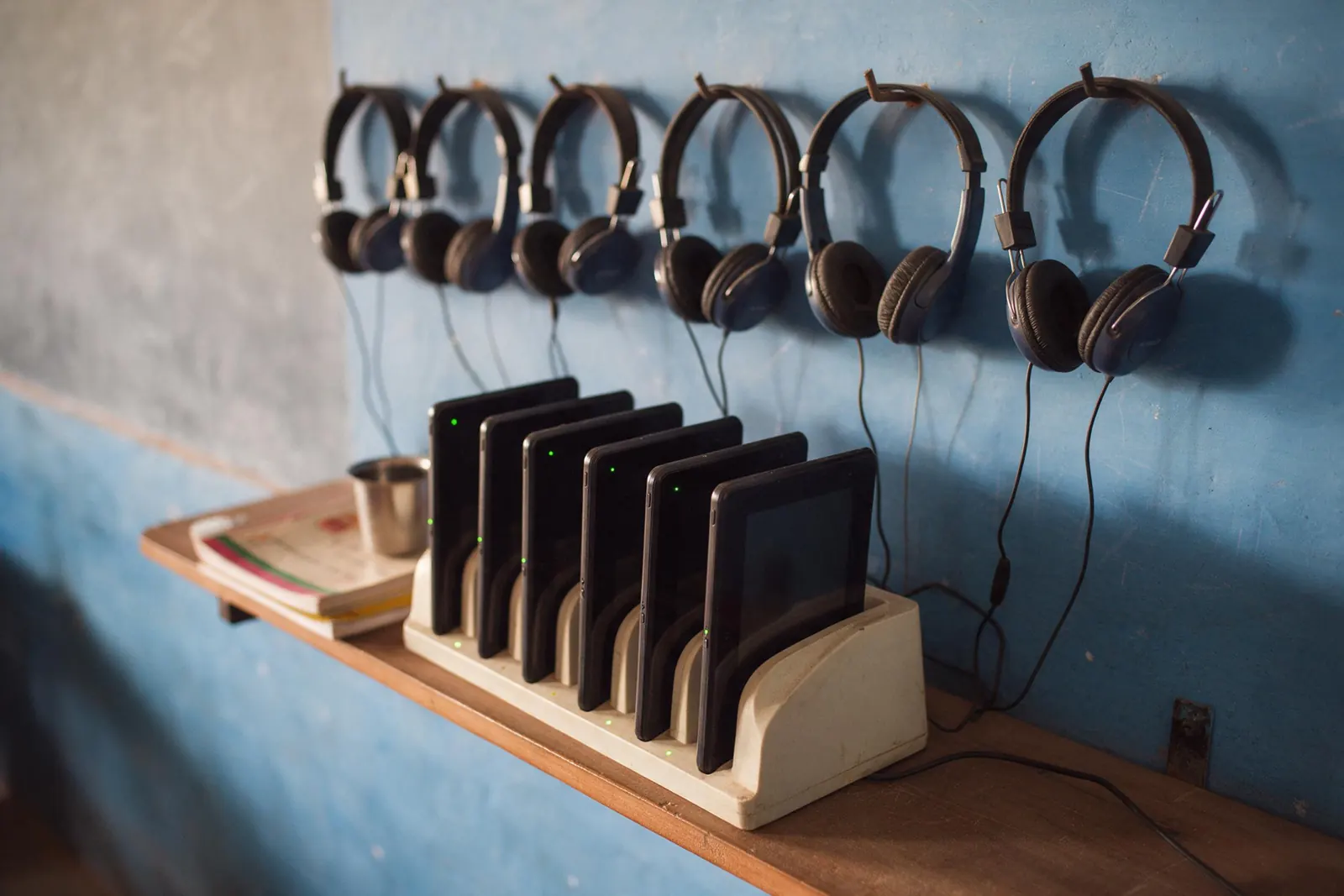
Swaram AI runs on what many schools already have. Each option has trade-offs.
| Option | Good for | Keep in mind |
|---|---|---|
| Shared Android tablets | Good for: Easy for small hands. Portable between classrooms. Long battery life. | Keep in mind: Needs a charging plan and a safe place to store them. |
| Android phones | Good for: Low cost. Many schools already have them. | Keep in mind: Smaller screen; best for older readers. |
| Desktop or laptop lab | Good for: Uses your existing computer lab. Stable power and storage. | Keep in mind: Children come to the lab, so plan time slots for each class. |
Setup checklist
- One headset with a microphone for each device in use
- A charging point and a lockable place to store devices
- School Wi-Fi or a mobile hotspot, once a week, for syncing
- A quiet corner or room where children can read aloud
- A teacher or coordinator to look after devices
Enrolment
Download the template, fill in one row per student, and upload it in the portal. You’ll see any errors row by row, fix them, and confirm.
Required: student name, grade, section, medium. Optional: UDISE+ code and school student ID.
Enrolment template (CSV)Training and support
Guided first session
We set up the first class together, in person or over a call.
Teacher handbook
A short guide to the weekly dashboard and recommendations.
Ongoing help
A school support contact, a helpline, and videos for new staff.
Questions schools ask
No. It uses your textbooks and supports your teachers. Teachers decide what happens in class; Swaram AI gives them evidence to decide with.
It is built for children learning to read with fluency and understanding, typically the early and middle primary grades. You choose the grades during setup.
Swaram AI works offline. You only need a connection once a week for a few minutes, through school Wi-Fi or a mobile hotspot.
Only your school’s teachers and headmaster see student names. Network administrators see totals only. Every view of a student’s data is logged.
No. Children use the app at school. Home practice is optional.
Plans depend on your school’s size and setup. Request a demo and we’ll explain the options for your school.
See Swaram AI in your school
We’ll walk you through a real lesson from your own textbook and answer your questions about devices, setup and data.